
Helping Entrepreneurs Thrive in the
Digital World.
“Here’s to the crazy ones,
the misfits, the rebels…”
-Steve Jobs

Digital Software Reviews
Go High Level CRM
Read my Go High Level Software review. I highlight the features, pros & cons and how to use the software to make it work for your business.
NameHero Hosting Review
In this post, I go into heavy detail about the super fast NameHero Hosting. I go into all the features, the good, the bad and the ugly.
WPX Hosting Review
I take a deep dive into a premium hosting called WPX Hosting. I’ve been using their hosting for many years and their level of support still amazes me.
Best Software Comparisons
Best Photography Hosting
In this post, I compare the best hosting for photographers and high quality pictures.
Best Landing Page Builders
I compare the best landing page builders and showcase the features, the pricing and the pros and cons of each one.
Best Closed Captioning Software
I go over the best captioning software and services for your videos. Find out which one is the best.
Best Virtual Conference Platforms
Looking for the best virtual conference platforms? Check out my comparison to find out the best.
Best Online Course Platforms
If you’re looking to build your online course, find out which course builder is the most cost-effective, the easiest and the best to use.
Bluehost vs GoDaddy
Contemplating about choosing either GoDaddy or Bluehost? I go into extreme detail comparing these two popular hosts. Check out the clear winner in this post.
David Chun
Hi, I’m David.
Welcome to the Entrepreneurs Hub.
I create this blog to help entrepreneurs monetize their content through SEO, content marketing and by using digital tools.
I help you understand the steps you need to take in order to get to your goals, and create an exact map to get you where you want. Anyone can achieve financial freedom – and this blog is proof of that.
You can start from zero and create a profitable business and add a ton of value to others along the way.
I’ve been able to help entrepreneurs in digital marketing, SEO, and my biggest passion which is in Personal Development. I’ve been able to get Amazing results for my clients and I’m confident I can help you as well.
You can read about my story here!
I’m also passionate about personal development and love teaching others in many areas.
Welcome to the Blog!
-David, Your Coach & Friend
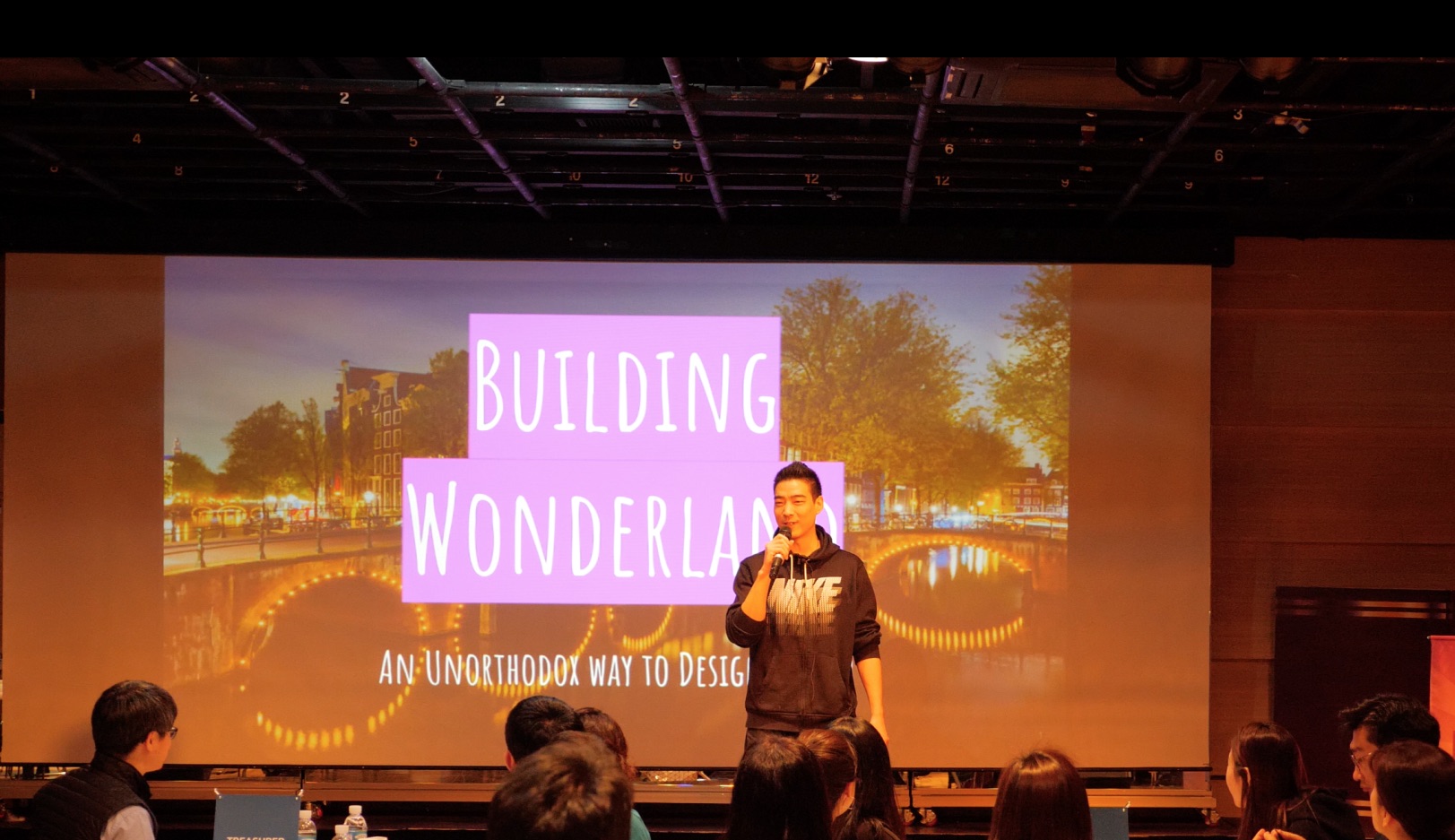
Over 15+ Years of Experience in Digital Marketing.
Featured On
Bridging The Online World with the Offline World
I’ve always been fascinated about the digital world ever since I first wandered on the internet using a dial-up connection (remember those?).
As a young kid in my teenage years, I wanted to build my first business online, because even back then, I thought the internet was the future.
I was always into reading, so I purchased a few ebooks online about building an online business around the idea of digital marketing and SEO.
I was really fascinated with the ideas and thought I could create a profitable business for myself.
So with a borrowed credit card from my parents (I wasn’t old enough), I started my first ever online business.
Boy, was it hard and did I lose a lot of money in the beginning.
And I thought, maybe this whole internet and digital marketing thing wasn’t for me.
So this whole idea was in the back burner for many years, and it wasn’t until after I graduated college, that I thought I would give it another shot.
Through sheer will and determination, I was able to get my first paychecks from SEO and digital marketing.
Throughout the years, I’ve been able to get better and better at my skills.
Fast forward to today, and now I’ve extended my skills to local businesses to help them generate traffic and leads to their business.
With my established skills of digital marketing, I’ve been able to help local businesses all around the world.
And it’s really fulfilling helping other business owners and seeing their business thrive.
With my experience I’ve been able to help some of the following businesses:
Towing Tucson, Towing El Paso, Towing Las Vegas, Tree Service Toledo, Tree Service Greensboro NC, Tree Service Greenville SC, Tree Service Greenville NC, Tree Service Buffalo NY, Tree Service Clarence NY, Tree Service Peoria IL, Towing Auckland, Stamped Concrete Rochester NY, Concreters Adelaide, Concrete Contractors San Diego, Concrete Contractors Fort Myers, Towing Toledo, Cheap El Paso Towing, and many more!
Now, it is my mission to help local businesses, whether you are a local roofing company or a local service based company, bridge the gap between the real, physical world and the digital world. Whether a business is involved in Concrete in Las Vegas, has is a Springfield Concrete Contractor or has a tree service in Rochester, NY, we can help them generate traffic, get leads and collapse the bridge between digital and physical. These labor workers are extremely hard workers like the ones in Tree Service Modesto CA and Roofing Modesto and Myrtle Beach Roofing and Cleaning Services Las Vegas and I love helping truly hard workers expand their concrete business, tree business or towing business into unseen levels. We hope we can add as much value to their business as we can.
Some of our newest services clients include Roofer Johns Creek, Concrete Contractors Cape Coral, Concrete Services Near Me, Concrete Contractors Fort Lauderdale, Concrete Contractors Albuquerque, Best Towing Near Me, Towing Albuquerque NM.
We also want to help bring them traffic from the digital world into their physical business.
I love seeing people thrive and it brings me joy that others are succeeding because of my help.
And that’s the essence of what the Rebel’s Journey is all about.
About helping entrepreneurs and business owners thrive in the digital world, through our services, content and inspiration.
I want to help bring the world great content about digital marketing, technology, and everything involving online entrepreneurship.
And my greatest service lies in actually helping businesses with our digital marketing services such as lead generation and bringing traffic to local businesses.
Additionally, my other passion is in teaching. And the best teaching platform to use by far is Skool. You can see my thoughts on it in my post.
Thanks for reading and hope you enjoyed your stay on my blog.
-David
Thanks for Visiting the Blog
Appreciate Your Time, My Friend.
